

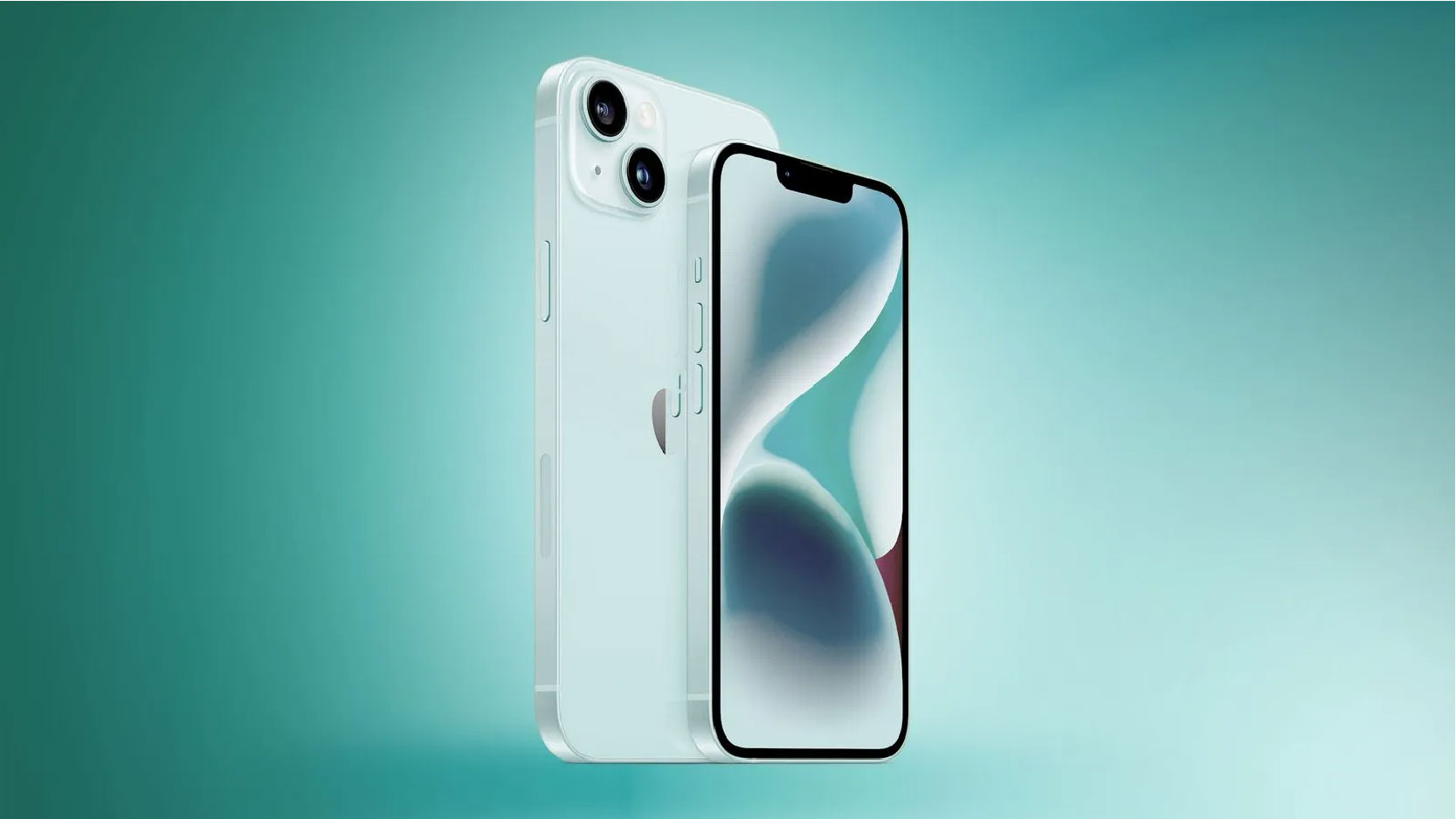
Have you ever wanted a “do anything” button on your iPhone? Well, you’re in luck, because Apple just introduced the Action button, which can do just that, on both its premium iPhone 15 Pro and iPhone 15 Pro Max models.
The innovative programmable button now takes the place of the conventional Ring/Silent switch positioned above the volume controls. Would you like to assign a distinct function to this button, such as activating your flashlight, magnifier, or camera? Customizing the Action button is a straightforward process – simply follow these steps to personalize its functionality. its premium iPhone
The recently introduced Action button is located on the left side of your iPhone 15 Pro or iPhone 15 Pro Max, positioned just above the volume controls. If you wish to modify its functionality, you can achieve this by accessing your phone’s Settings menu. Additionally, it’s possible to redefine the default action of the Action button.
You have a lot more freedom to customize your Accessibility options when it comes to picking out what your Action button does. These picks are a good way to make your phone simpler to use, whether that means making your text easier to read or using a special magnifier to make tiny items on your screen bigger.
Here are five Accessibility choices you might want to use out of all the different options that can make your phone feel much more personalized and comfortable to use:
Zoom: You can use this option to magnify your phone’s screen. If you have trouble seeing details in pictures or on certain websites where the font doesn’t get bigger, this can be useful to keep you from straining your eyes.
Voice Control: This option lets you use your voice to control your iPhone even if you’re already on a call, so you can call out instructions and stay hands-free when you’re driving or handling other business.
Live Captions: You can use your iPhone to automatically show captions for audio that’s seen on all of your apps. They can make it easier to stay in tune with what’s going on if you have issues with hearing.
Guided Access: This feature is great if you have kids and only want to grant access for them to use certain parts of your phone. It will keep your phone in a single app and let you control what users can do.