

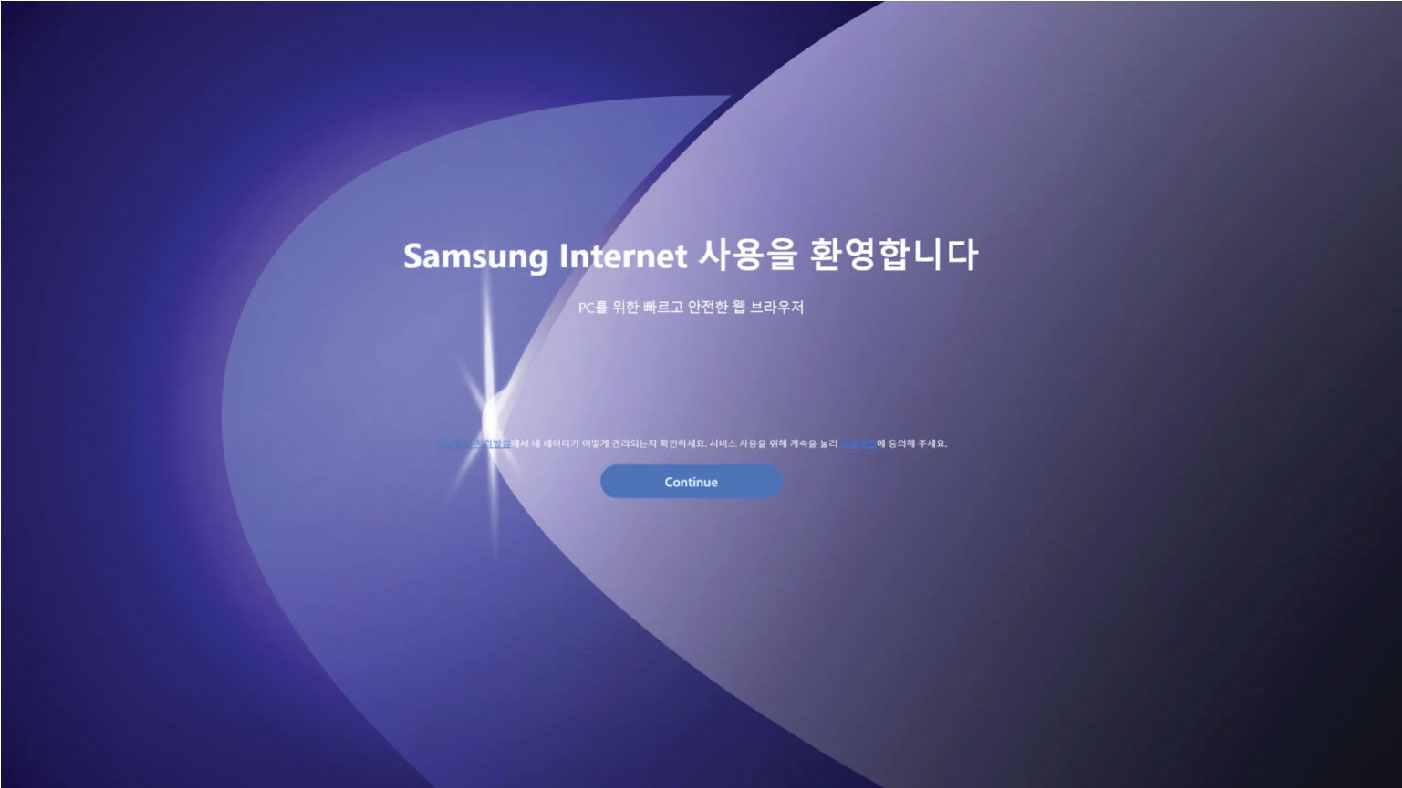
Samsung Internet has expanded its presence beyond the mobile domain and is now accessible on desktops through a newly released version available in the Microsoft Store for Windows PCs.
For those familiar with Samsung Galaxy devices, the Samsung Internet app likely needs no introduction. Preloaded onto many Samsung devices, Samsung Internet is a straightforward web browser that proves to be a valuable tool, particularly for users who prefer not to be exclusively tethered to Google’s ecosystem of extensions and accounts. Samsung Internet has expanded
Now, that browser trusted by many is available for PC through the Microsoft Store. If you own a Windows machine, you can head to the device’s app store and grab the browser for free. This is the first time it’s been available for PC users, and the Microsoft Store offers an easy wall to install the browser in seconds.
The layout of Samsung Internet for Windows PC notably mirrors that of Google Chrome. At the top, you’ll find a combined bookmark and address bar. Similar to Chrome’s side panel, the browser features a side that unfolds into a bookmarks section. Additionally, extensions, account options, and settings are conveniently situated in familiar positions, creating a user interface that closely aligns with the structure seen in Google Chrome.